
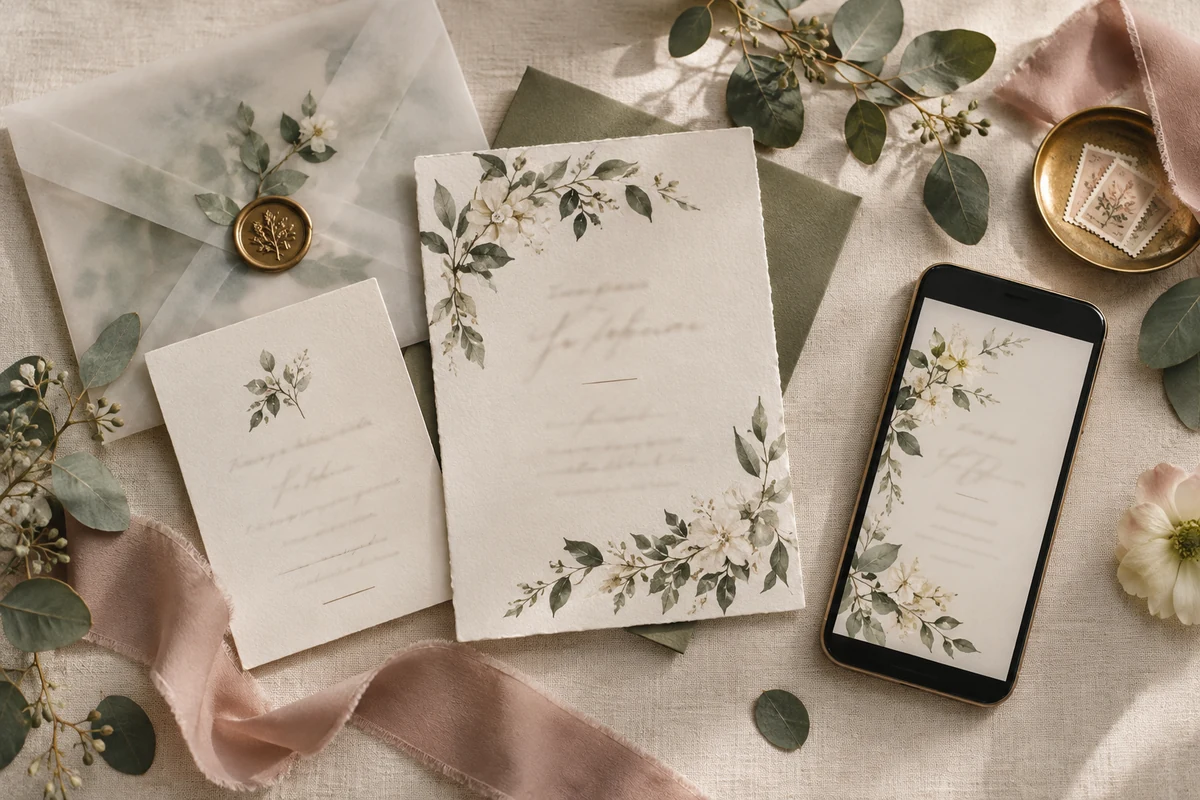
Wedding Invitations & Digital Invites
Your invitation is the first page of your wedding story. This collection gathers editable wedding invitation templates (printable cards and phone-first digital invites), all in the botanical, watercolor style Vellumpage is known for.
wedding invites
Balance phone-first invitations with printable cards and make RSVP information effortless to find.
Make the right choice for your wedding
Every template is fully editable in your browser: names, dates, venues and wording. Send your invite by message in minutes, or download a print-ready file for classic paper cards.
Going paperless? Pick a mobile invite (9:16) designed to be read on a phone and sent by message.
Prefer paper? Choose a 5×7 in card that fits a standard A7 envelope.
Match your theme: eucalyptus, greenery and botanical designs pair with garden and countryside weddings.
Check the editable fields: names, date, schedule, venue and RSVP deadline are all yours to change.
A practical comparison before you decide
| Decision | What to verify | Why it matters |
|---|---|---|
| Best format | Going paperless? Pick a mobile invite (9:16) designed to be read on a phone and sent by message. | Download the PDF guide with your personal template link right after purchase. |
| Best moment to prepare it | Prefer paper? Choose a 5×7 in card that fits a standard A7 envelope. | Open the link: the template edits directly in your browser, on phone or computer. |
| wedding cards | Match your theme: eucalyptus, greenery and botanical designs pair with garden and countryside weddings. | Change the wording, colors and details, then download your final file. |
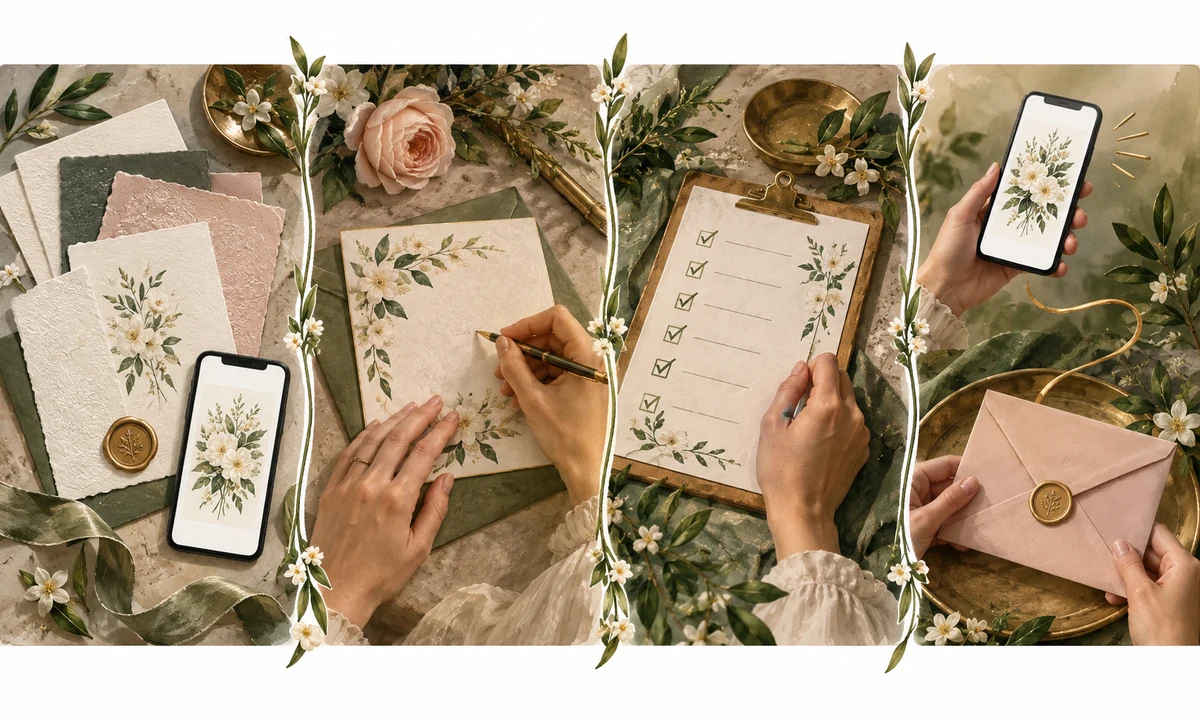
From template to finished piece
- Download the PDF guide with your personal template link right after purchase.
- Open the link: the template edits directly in your browser, on phone or computer.
- Change the wording, colors and details, then download your final file.
- Share it by message or e-mail, or print it at home or with any print shop.
Digital invite or printed card?
For guests spread across cities or countries, a phone-first invite makes updates and RSVP details easy to share. A printed card still gives close relatives a keepsake and sets a more formal tone. Many couples use both: the same design in two formats, with the printed version for the main invitation and the mobile version for reminders.
Keep the whole wedding visually coherent
Choose one collection, keep the same palette and repeat only a few visual cues. Guests then recognise every piece as part of the same celebration, while each format remains easy to use.
Common mistakes to avoid
- Choosing a format before deciding how guests will use it.
- Mixing unrelated fonts, colors and artwork across the same celebration.
- Leaving names, quantities or final wording until the production deadline.
Final checklist
- Purpose is clear at a glance
- Names and dates are checked twice
- Mobile and print versions are legible
- Colors match the rest of the suite
- Final file is tested before sharing or printing
Frequently asked questions
Can I change the text and fonts?
Yes, every field is editable: names, dates, schedule, venues and text colors. No design skills needed.
Do I need any software?
No. Templates open and edit in your web browser, on desktop or phone.
Will I receive anything by mail?
No, this is a 100% digital product with instant access. Nothing is shipped.